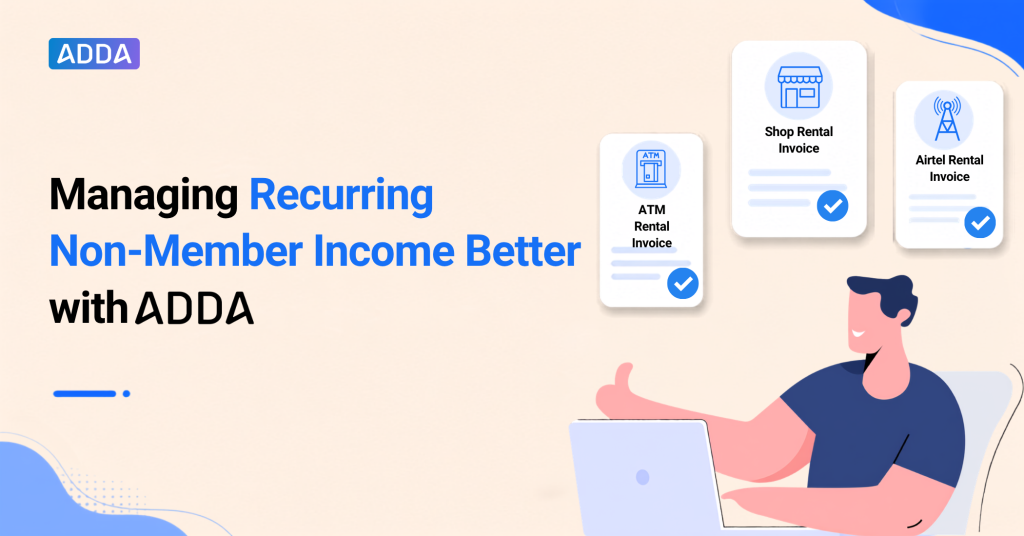
At Green Meadows Apartments, Priya from the community management team starts the month with a familiar accounting routine.
Other than the maintenance collection from the Owners, the community also has some income coming from the following sources:
- Rent paid by the Supermarket store inside the community
- Payment from Airtel for a tower which is installed on the community premises
- Rent paid by the bank for the ATM outlet inside the community premises.
This is a repetitive task for Priya as the invoices have a fixed billing pattern, and the details usually remain the same across the billing cycles.
To make this routine simpler, ADDA now introduces Recurring Invoices under Non-Member Income.
With this update, repeated work is reduced, and recurring non-member income becomes easier to manage.
Table of Contents
What Are Recurring Invoices under Non-Member Income?
With Recurring Invoices in Non-Member Income, automation is built for invoices that follow a fixed billing cycle.
- While creating an invoice under Non-Member Income, admins can choose whether the invoice is one-time or recurring.
- For recurring income, admins can add the required invoice details and billing frequency once. ADDA then generates future invoices on schedule.
- The frequency can be monthly, quarterly, half-yearly, or yearly.
This helps recurring entries stay consistent, while keeping the workflow simple for the admin team.
How Can the Community Management Team Set Up Recurring Invoices?
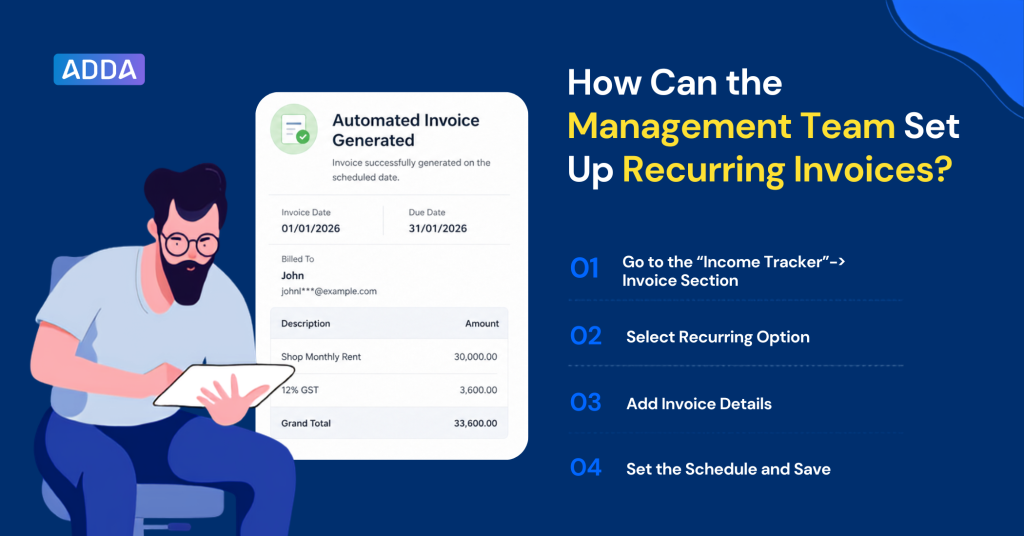
The management committee can set up recurring invoices while creating invoices under Non-Member Income.
The path is:
Income Tracker → Non-Member Income → By Vendors → Invoice
Here is how the setup works:
Step 1: Go to the “Income Tracker”-> Invoice Section
Navigate to Income Tracker → Non-Member Income → By Vendors → Invoice.
Step 2: Select Recurring Option
Choose Recurring as the invoice type instead of One-Time.
Step 3: Add Invoice Details
Enter the required details such as income head, GST details, amount, and narration.
Step 4: Set the Schedule and Save
Enter the first invoice date, first due date, and repeat frequency. Once saved, ADDA generates future invoices automatically as per the selected schedule.
If the recurring invoice is no longer required, admins can stop the recurrence from the invoice history.
How Do Recurring Invoices Make Fixed Income Easier to Manage?
Let’s go back to Green Meadows Apartments.
Priya can create a recurring setup for the monthly supermarket rental invoice by adding the required invoice details and billing frequency. After that, ADDA generates the invoice as per the selected schedule.
For the management committee, this means the same invoice does not need to be recreated from scratch each cycle. The details stay consistent, and the income continues to reflect under the right records.
Key Benefits
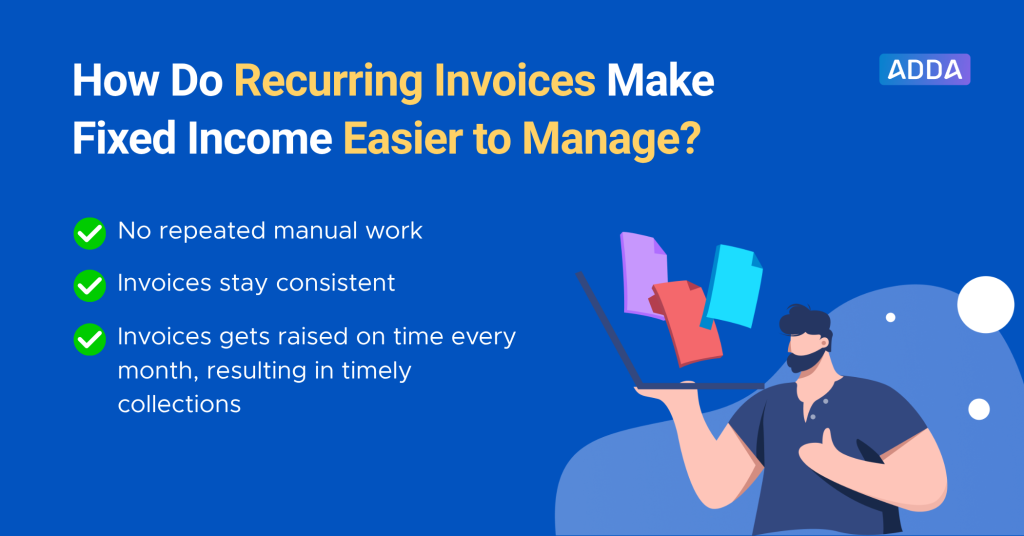
- No repeated manual work
Admins do not need to recreate the same invoice every billing cycle. - Invoices stay consistent
The same invoice details, income head, GST details, amount, and narration can be followed across cycles. - Invoices get raised on time every month, resulting in timely collections
Scheduled invoices are generated automatically, helping the management team send bills on time and support timely collections.
The management committee does not need to change the way Non-Member Income is used. The recurring option simply adds automation where the income pattern is already known.
How Can the Management Team Track Recurring Non-Member Income Invoices?
The committee management team can review recurring invoice details through the Recurring Invoices Report under Non-Member Reports.
- This report shows key details such as vendor name, frequency, first invoice date, first due date, income head, tax amount, total amount, next invoice date, and next due date.
- Instead of checking each recurring setup separately, the management team gets one view of active recurring invoices.
- This helps them see which invoices are scheduled, when the next invoice will be generated, and how recurring income is being recorded.
For communities with multiple non-member income sources, this report adds better visibility to the overall income tracking process.
Final Thought
With Recurring Invoices under Non-Member Income, admins can manage scheduled income entries with less repeated work and better control over invoice details.
Want to see how ADDA helps communities simplify income tracking and accounting?
Schedule a demo now!
Well-run communities run ADDA.